A Mac window manager that remembers your layout
WorkspaceManager snaps your editor, terminal and browser into a 3×2 grid with one chord. Native, local, $18 once.

Snapping one window at a time is slow
If you have a fixed set of apps per project, dragging and snapping each one is time you can get back.
One chord, whole layout
Define a 3×2 grid per project. ⌘ ⇧ W puts the editor, terminal and browser where they belong, in one move.
Switches in under 12 ms
Zero animation latency. The windows are in place before your hand leaves the keyboard, measured at 8 ms across three windows.
Rebindable chords
Every shortcut can be changed. If a chord collides with your editor, you rebind it once and move on.
A 28 MB native binary
No Electron shell, no WebView. It ships as a single .pkg on macOS and an .msi on Windows 11.
No telemetry, no account
No analytics and no usage data. The only network call is the update check, and one flag turns it off.
Pay once, keep the binary
$18 for one tool, $79 for all eight. No subscription, and existing license keys never change price.
Measured, not promised
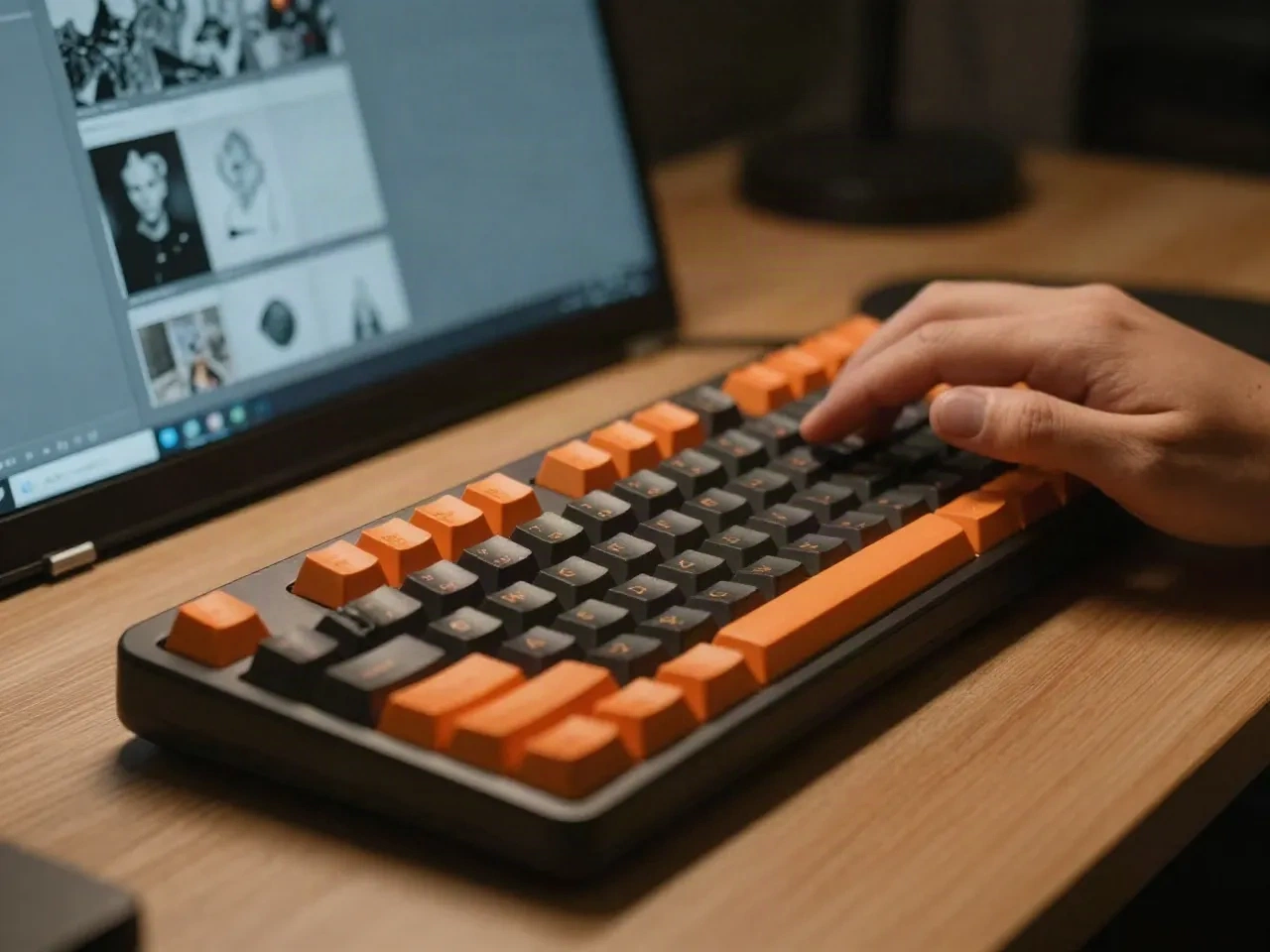
Your hands stay on the keys
A window manager earns its place when it removes a detour you take all day. Dragging a terminal to the right edge, resizing the browser, finding the editor again: each takes two seconds, and you repeat it every time you switch projects. WorkspaceManager turns that into one chord. You describe the grid once, name it after the project, and recall it with ⌘ ⇧ W. If you only ever need two windows side by side, skip it. If you juggle an editor, a terminal and a browser, this is where the time comes back.
- One chord recalls the whole layout
- Grids saved per project
- Every shortcut is rebindable
From download to first layout
Four steps, about two minutes.
-
1
Download the installer
Get the .pkg for macOS 13 or later, or the .msi for Windows 11. It is a 28 MB signed binary.
-
2
Grant Accessibility once
macOS needs this permission to move other apps' windows. You approve it one time in System Settings.
-
3
Define a 3×2 grid
Place the editor, terminal and browser where you want them for the current project, and name the layout.
-
4
Press ⌘ ⇧ W
The windows snap into place. Rebind the chord if it collides with another app.
Same layout, laptop or desk
Most Mac window managers think in terms of one screen. Real setups change: a laptop on the road, an external monitor at the desk. WorkspaceManager keeps a grid per project, so you recall the one that fits the screen you are on. The same license also covers Windows 11, which helps if your work machine is not a Mac. It does not try to be a tiling engine that owns your desktop. It places windows when you ask, then stays out of the way.
- Grids recalled per project
- One license for macOS and Windows 11
- Places windows on request, nothing runs in your way
WorkspaceManager next to the usual options
Facts as of this page. Check each project before you decide, since versions and prices change.
| Feature | macOS built-in | Rectangle | Magnet | WorkspaceManager |
|---|---|---|---|---|
| Price | Free with macOS | Free, open source | $4.99 one-time | $18 one-shot, or $79 bundle |
| Minimum macOS | 15 Sequoia | 14 | 13 | 13, plus Windows 11 |
| Unit of work | One window | One window | One window | A whole layout per project |
| Footprint | Part of macOS | Not measured here | 3.2 MB | 28 MB native binary |
| Best for | Two windows, now and then | Free halves and quarters | Drag zones, App Store updates | Same three apps, every project |
Pay once. Own the binary.
No subscription, no trial that auto-charges. 30-day refund. Prices are pre-tax.
Single
Just WorkspaceManager
- macOS and Windows binaries
- Free updates within v8.x
- 30-day refund window
- No subscription, ever
Bundle
The full catalog
- All 8 tools, macOS and Windows
- 12 months of new releases
- Read-only source access
- 50% off the v9 upgrade in 2027
- Priority support by email
Team
For studios
- Everything in Bundle, times 5
- Custom hotkey defaults per team
- One invoice, NET 30
- +$45 per additional seat
Common questions
What is the best Mac window manager?
Does macOS have a built-in window manager?
Is WorkspaceManager free?
Does it need accessibility permissions every reboot?
Which macOS and Windows versions does WorkspaceManager support?
Does WorkspaceManager send data anywhere?
Can I change the hotkeys?
Put every window where it belongs
28 MB, local, signed. macOS 13+ and Windows 11. $18 once, or $79 for the whole catalog.