Best PDF Editor Mac: 5 Apps Compared on Price (2026)
Summary
The best PDF editor on Mac for most people is PDF Expert: native, edits text, images and links, and offers a $139.99 lifetime license. Preview is free and covers signing and merging, Adobe Acrobat is the deepest option at $239.88 a year, PDFelement and Foxit trade polish for a lower yearly price. Here is how the five compare on price, license and limits.
Five Mac PDF editors compared on price, license model and limits: PDF Expert, Preview, Acrobat, PDFelement and Foxit. One wins for most people.
At-a-glance
| PDF Expert | Preview (macOS) | Adobe Acrobat | Wondershare PDFelement | Foxit PDF Editor | |
|---|---|---|---|---|---|
| Price | $79.99/year, or $139.99 one-shot lifetime (Mac only) | $0, ships with macOS | Pro $19.99/month on an annual plan ($239.88/year), AI Assistant extra | $79.99/year; a perpetual license is also listed | From $10.99/month on an annual contract ($129.99/year) |
| License model | Subscription or one-shot lifetime; lifetime gets big updates and bug fixes, new features may cost extra | None, part of the OS | Subscription only | Subscription or perpetual | Annual subscription; monthly billing still locks you in for 12 months |
| Edit existing text | Yes: text, images and links | No: annotate, sign, merge and reorder only | Yes, the deepest toolset of the five | Yes, adequate for casual edits | Yes, plus redaction styles, sanitization and JavaScript |
| OCR | Yes, in the paid tier | Live Text selects text in scans, but no searchable-PDF export | Yes | Yes | Yes |
| Platforms | Mac, iPhone, iPad (macOS Monterey or later) | Mac only | Mac, Windows, iOS, Android | Mac, Windows, iOS, Android, web | Mac, Windows, mobile, cloud |
| Free option | 7-day trial; the free tier only views and reads | Fully free, no trial clock | 7-day free trial | 7-day free trial | Free trial; Foxit PDF Reader is free for view, annotate and sign |
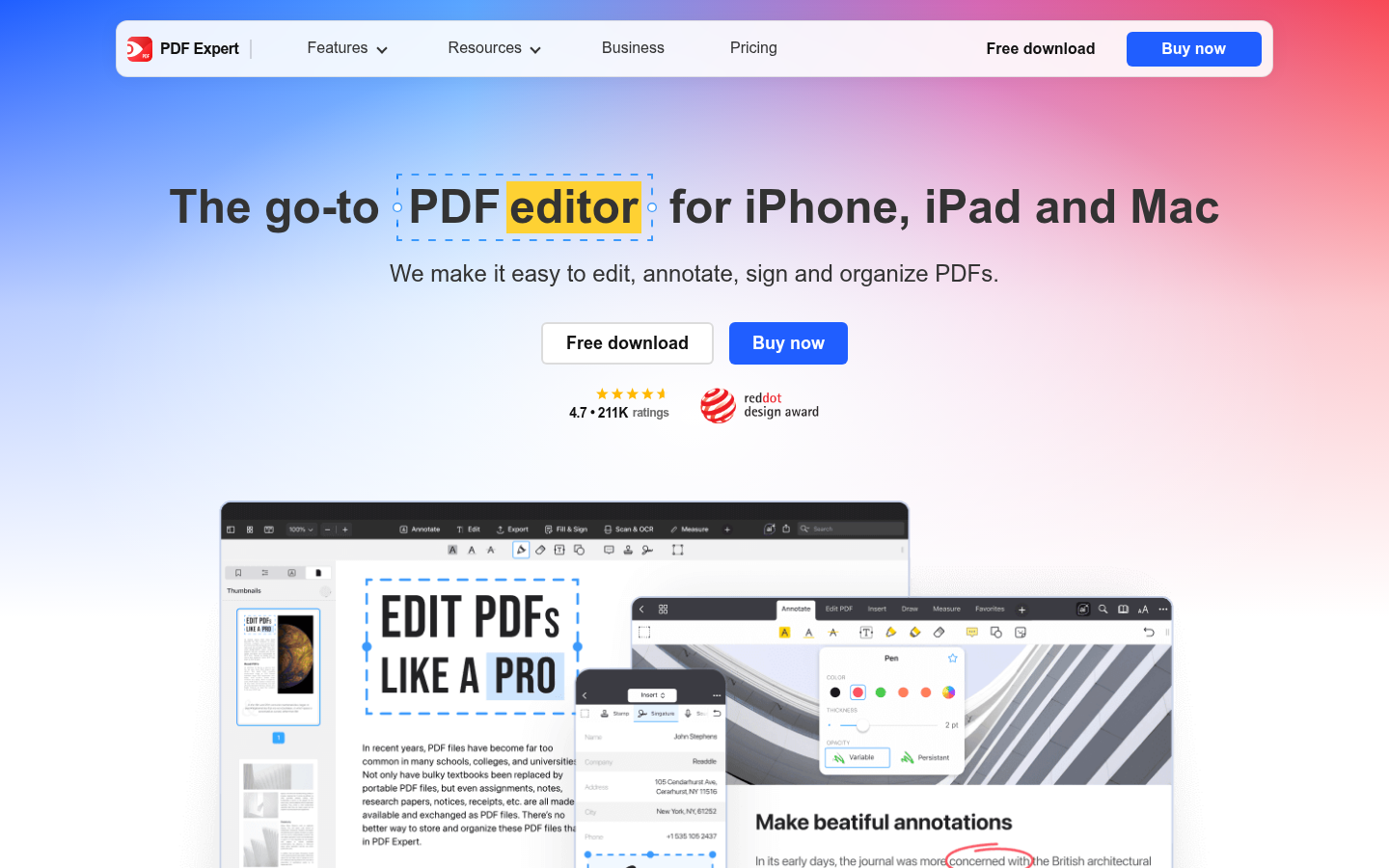
PDF Expert
- Native Mac app with a clean toolbar, so you do not need to read the docs
- Lifetime license at $139.99 avoids a yearly renewal
- Edits text, images and links, plus OCR, signing and conversion to Word, Excel and PPT
- G2 rating of 4.7 out of 5
- Lifetime tier is Mac only and later new features may cost extra
- Core editing sits behind a paid plan, the free tier only views and reads
- Fewer enterprise controls than Acrobat or Foxit
The default pick if you edit PDFs on a Mac weekly and want to pay once.
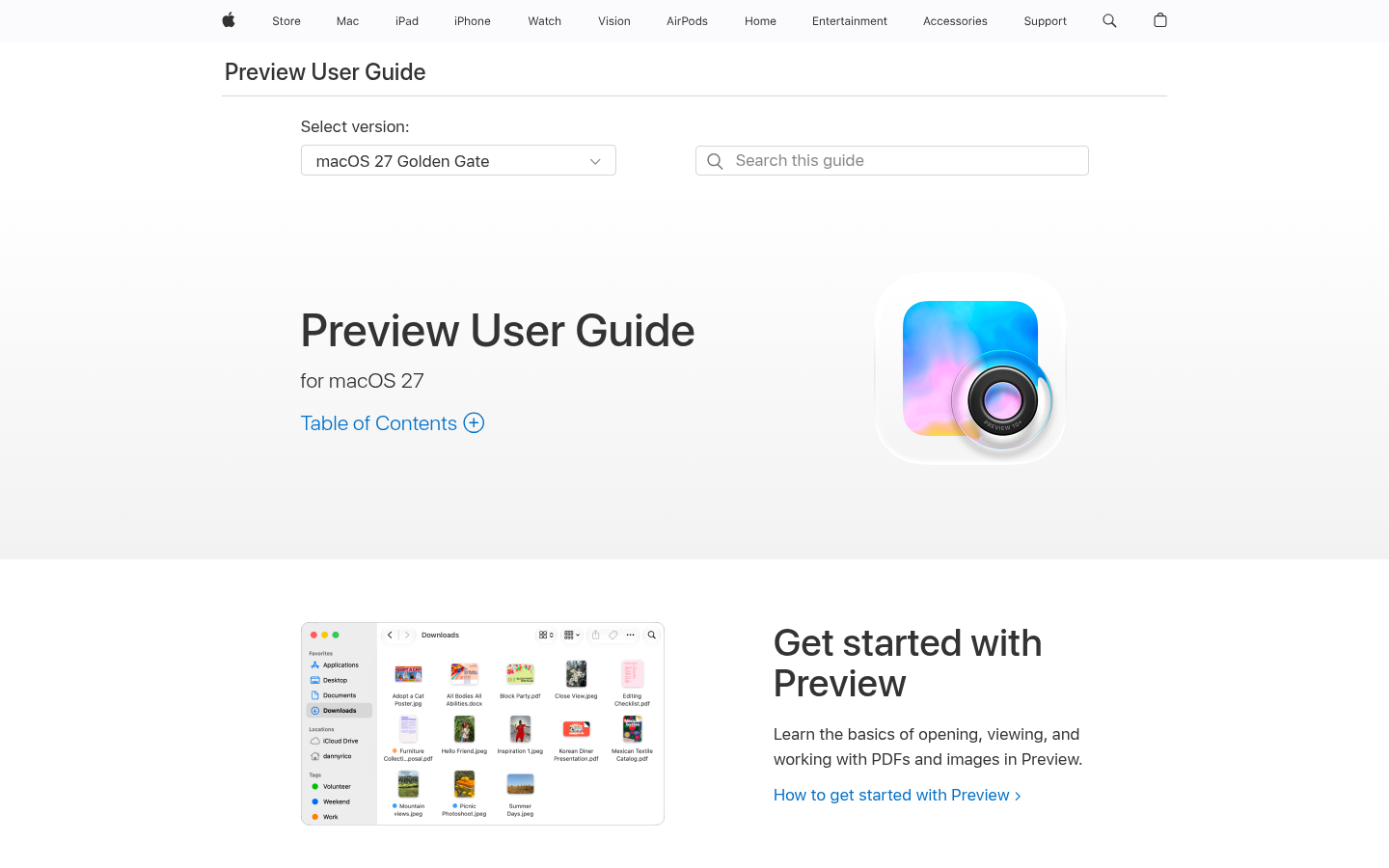
Preview (macOS)
- Already installed, no download and no account
- Annotates, signs, merges and reorders pages for free
- Opens large files fast and adds no telemetry layer of its own
- Drag pages between two PDFs to rebuild a document
- Cannot edit existing body text in a PDF
- No true OCR export to a searchable PDF
- No redaction, no form creation, no Windows version
Use it until you hit a wall. Most people hit it on text edits.
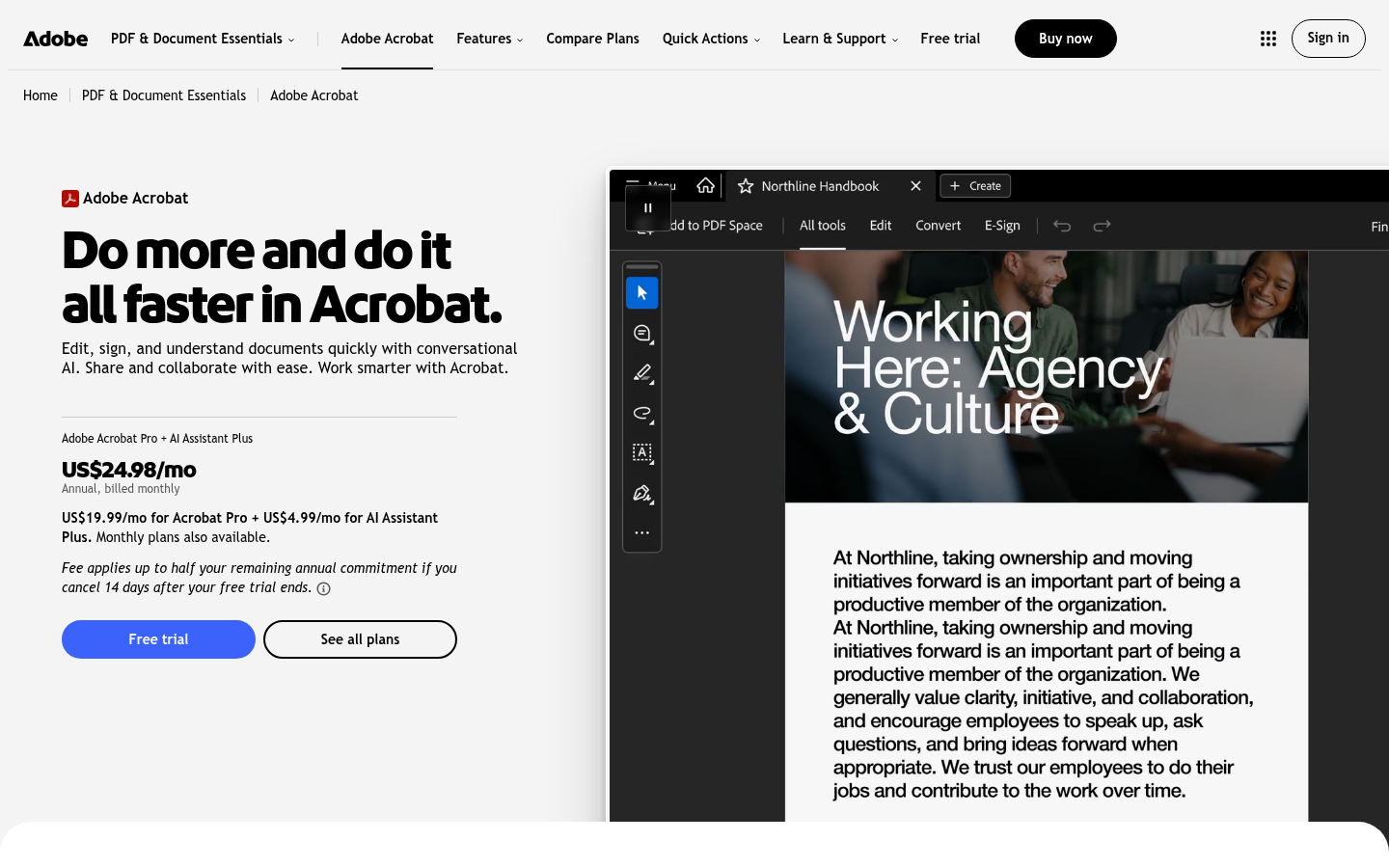
Adobe Acrobat
- Deepest feature set: redaction, document comparison, e-sign and form tools
- Runs on Mac, Windows, iOS and Android with the same file behavior
- G2 4.5 and Capterra 4.7 across thousands of reviews
- The format owner, so odd files open correctly
- Subscription only, $239.88/year for Pro before AI add-ons
- Heavier install than the Mac-native options
- Pricing tiers and AI add-ons make the real cost harder to read
The right call when a client or regulator expects Acrobat output.
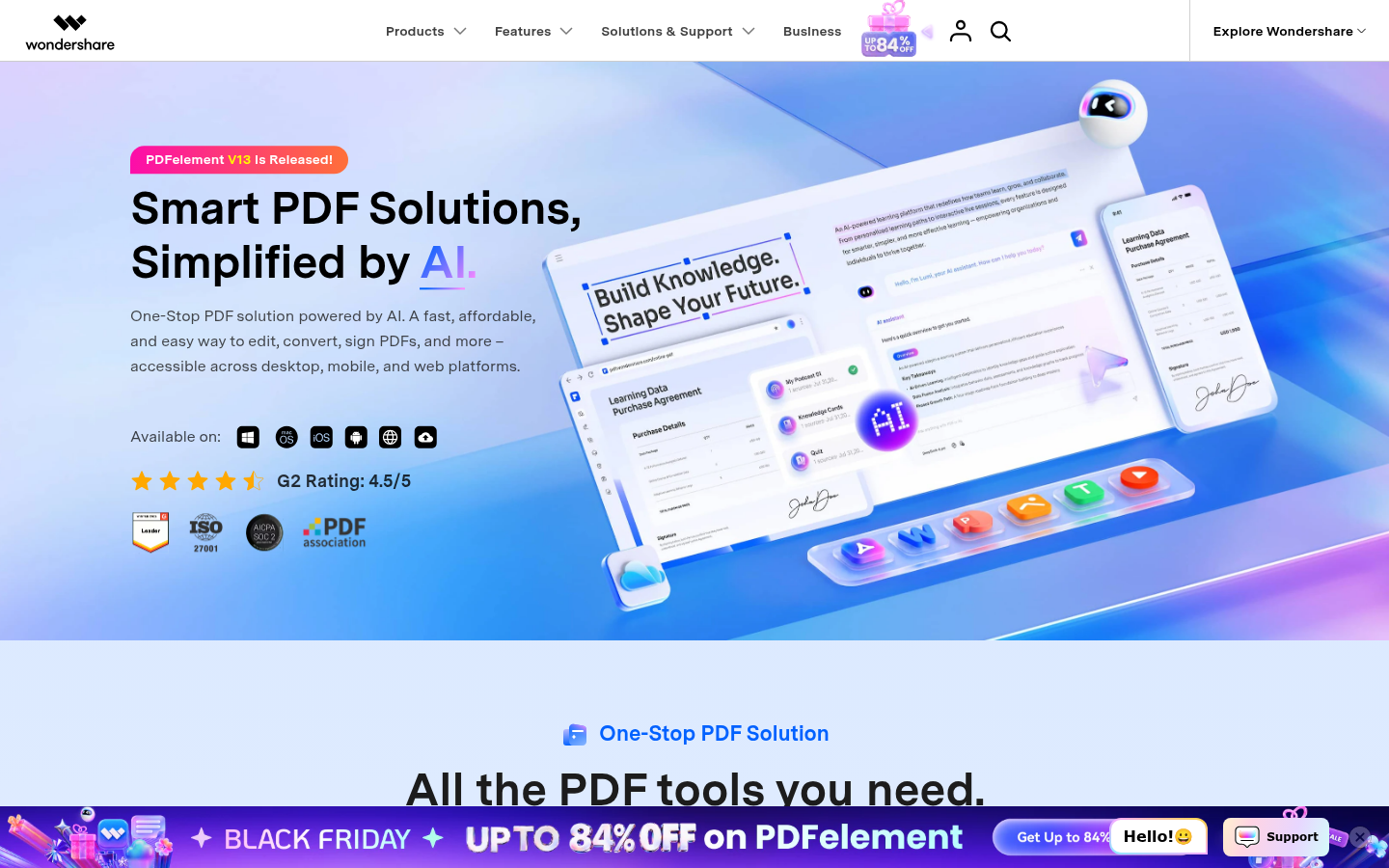
Wondershare PDFelement
- $79.99 per year undercuts Acrobat by about two thirds
- Edits, converts, OCRs and signs on Mac, Windows, mobile and web
- G2 rating of 4.5 out of 5 per the vendor page
- Perpetual license option exists
- Some sidebar buttons are unlabeled and take time to learn
- Advanced tools trail Acrobat and Foxit
- Heavy promotion and discount banners on the vendor site
A fair middle ground if the price matters more than polish.
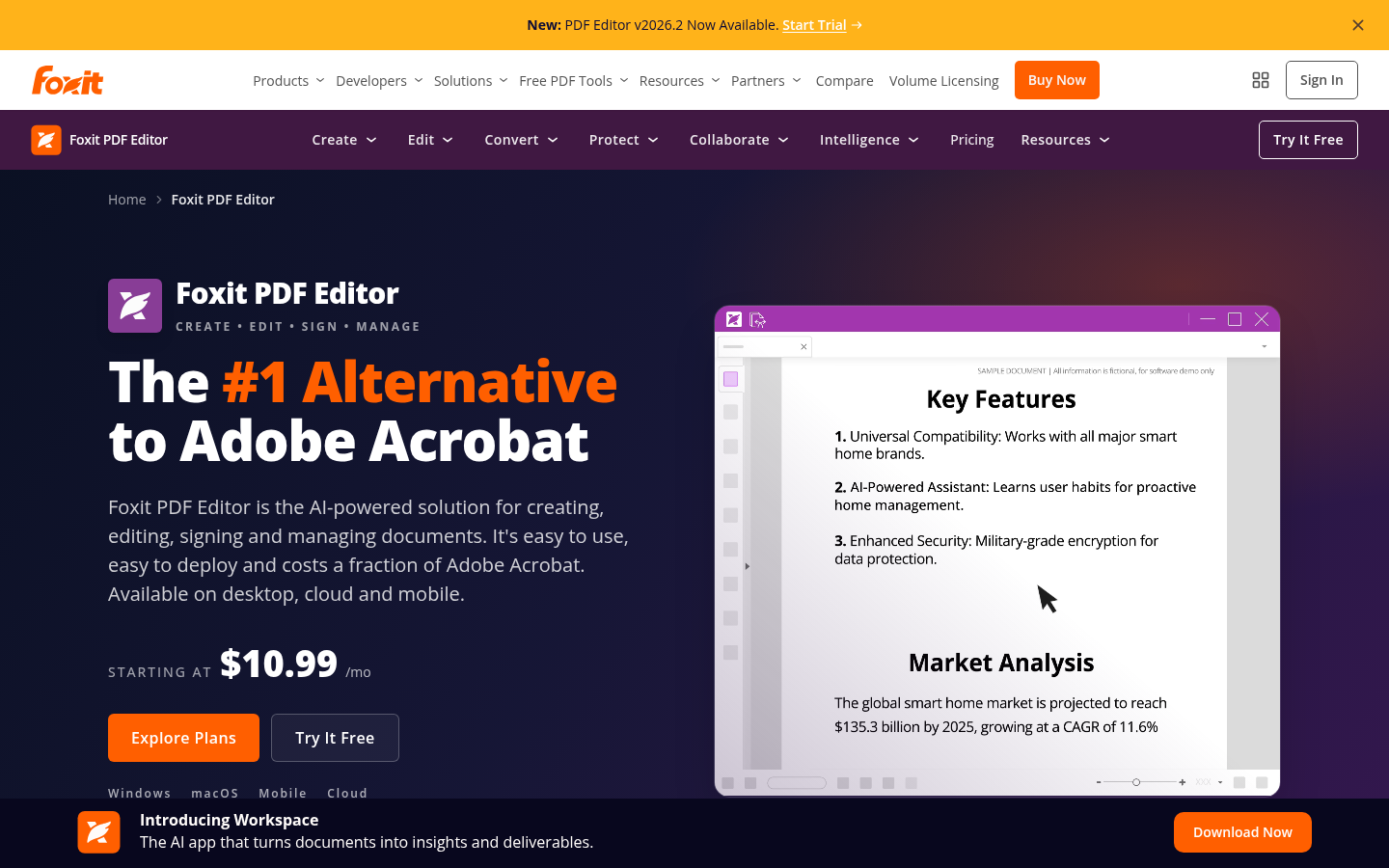
Foxit PDF Editor
- From $10.99/month, the cheapest of the Acrobat-class editors
- Office-style interface that suits business users
- Sanitization, redaction styles, accessibility checks and JavaScript
- G2 rating of 4.6 across 3,789 reviews
- Even monthly billing is an annual contract, you cannot cancel after one month
- The interface can overwhelm casual users
- Not Mac-native in feel, the ribbon follows Windows habits
Pick it for document-heavy business work, skip it for a weekly signature.
Verdict
PDF Expert wins for most Mac users: it edits text, images and links, runs natively, and the $139.99 lifetime license is the only one-shot option from a Mac-first vendor. Preview stays the right free tool for signing and merging. Choose Adobe Acrobat only when a client demands it, and Foxit or PDFelement when the yearly price is the deciding number.
How we tested
Pricing, license terms and platform support were read from each vendor's own pricing and product pages on November 7, 2026. Review scores come from G2 and Capterra listings and one aggregated Macworld roundup. We did not run a benchmark suite: no timing or file-size claims are made here, and scores out of 5 weigh editing depth, license honesty, Mac fit and value rather than lab numbers. We left PDFgear out because its privacy claims are disputed and we could not settle them. Prices change often, so confirm before buying.
Our best PDF editor Mac pick for most people is PDF Expert. It edits text, images and links in a native app, and its $139.99 lifetime license means no renewal. If you only sign and merge, Preview is free and already installed. Adobe Acrobat is the pick when a client expects it. PDFelement and Foxit are the cheaper yearly options.
Do you need a paid PDF editor on a Mac at all?
If you have one job, sign a form or merge two files, no. Preview does that for $0. If you have one problem, you need to change a sentence inside an existing PDF, then yes. Preview cannot edit body text, and that is the line between free and paid.
Here is the quick split. Annotate, sign, reorder pages: Preview. Edit text, run OCR, convert to Word: pay for an editor. Redact, compare documents, meet a compliance rule: pay for Acrobat or Foxit.
What the price really buys
The sticker price is the smaller part. A $79.99 yearly plan costs $400 over five years, against $139.99 once for the PDF Expert lifetime license. Acrobat Pro over the same five years is about $1,199. That gap is the whole argument for a one-shot license if you plan to keep the same Mac workflow for years. Subscriptions make more sense when you need Windows and mobile parity or a vendor that guarantees continuous feature updates.
1. PDF Expert: the one to buy first
PDF Expert is built for Apple hardware. It runs on Mac, iPhone and iPad, requires macOS Monterey or later, and the toolbar does not hide the main jobs. Yearly it costs $79.99. The lifetime license is $139.99, Mac only, one payment.
Read the lifetime fine print. Readdle says it includes big updates and bug fixes, and that additional new features may come at an extra cost. That is still more honest than a subscription that never ends. G2 users rate it 4.7 out of 5.
The limit: core editing sits behind the paid plan. The free tier only views and reads.
2. Preview: free, and good until it is not
Preview ships with macOS. It annotates, signs, merges and reorders pages, and you can drag pages from one PDF into another. No account, no download, no phone-home layer added on top.
What it will not do: edit existing body text, export a searchable PDF from a scan, or redact with sanitization. If your week includes any of those, you are already paying in time.
3. Adobe Acrobat: the reference, priced like one
Acrobat has the deepest toolset: redaction, document comparison, e-sign and form creation, on Mac, Windows, iOS and Android. Pro is $19.99 a month on an annual plan, which works out to $239.88 a year. The AI Assistant is an add-on, and the pricing page has several tiers, so read it twice.
It is subscription only. Capterra shows 4.7 across more than 4,000 reviews and G2 shows 4.5. Pick it when a client, a court or a regulator expects Acrobat output. For a freelancer who edits a contract twice a month, it is more than you need.
4. PDFelement: the budget cross-platform option
PDFelement costs $79.99 a year and covers editing, OCR, conversion and signing on Mac, Windows, mobile and web. The vendor lists a G2 rating of 4.5 out of 5. A perpetual license is also offered.
The trade-off is polish. Macworld notes that some sidebar buttons are unlabeled and the interface is not always intuitive, and its advanced tools trail the two heavier editors. It suits casual editing across several devices.
5. Foxit PDF Editor: business-first, annual contract
Foxit starts at $10.99 a month, but even the monthly price is an annual contract. You cannot cancel after one month. The annual price is $129.99. G2 shows 4.6 across 3,789 reviews.
Its Office-style ribbon suits business users and adds sanitization, redaction styles, accessibility checks and JavaScript. For someone who signs one form a week, it is overkill. If the interface overwhelms you, that is the tool telling you to buy something simpler.
How we chose these five
We picked editors that run on a current Mac and let you change existing PDF content, plus Preview as the free baseline. We read vendor pricing pages and public review listings instead of running our own timing tests, so this page makes no speed or file-size claims. PDFgear was left out on purpose: a free, popular editor whose privacy record is disputed online, with the vendor publishing its own rebuttal. We could not settle that, so we do not recommend it.
Which one to pick
One-off signing and merging: Preview.
Weekly editing on a Mac, pay once: PDF Expert lifetime.
Client or compliance demands Acrobat: Adobe Acrobat.
Cheapest yearly editor across devices: PDFelement.
Office-style ribbon, business use: Foxit PDF Editor.
If you have a specific problem, start with it. If not, install Preview's markup tools, try PDF Expert's 7-day trial, and decide on the first day you hit a text edit Preview cannot do.