Best Mac Productivity Apps: 6 Tools Compared (2026)
Summary
The best mac productivity apps in 2026 are Raycast, Things 3, Rectangle, Alfred, BetterTouchTool and Obsidian. Raycast takes the top spot because its free tier covers a launcher, clipboard history, snippets and window management. Things 3 leads for tasks at $49.99 one-shot. Rectangle is free, Alfred and BetterTouchTool avoid subscriptions, and Obsidian stores notes locally. Prices were checked on October 10, 2026.
Six Mac productivity apps compared on price, license model and platform reach, from Raycast and Things 3 to Rectangle, Alfred, BetterTouchTool and Obsidian.
At-a-glance
| Raycast | Things 3 | Rectangle | Alfred | BetterTouchTool | Obsidian | |
|---|---|---|---|---|---|---|
| Price | Free core; Pro $8/month billed annually ($96/year), $10 monthly | $49.99 one-shot for Mac, $9.99 iPhone, $19.99 iPad | Free; Rectangle Pro $9.99 one-shot | Free core; Powerpack £34 single license, £59 lifetime upgrades | $15 (2 years of updates) or $25 lifetime | Free; Sync $4/month billed annually, Publish $8/month |
| Core job | Launcher with clipboard history, snippets, window management | Task and project manager | Window snapping by shortcut or drag | Launcher with workflows, clipboard, snippets | Trackpad, mouse and keyboard remapping, plus a launcher | Local Markdown notes and linked thinking |
| Free option | Yes, no time limit; AI not included | Free trial only | Yes, open source (30.1k GitHub stars) | Core app free; Powerpack unlocks workflows and clipboard | 45-day free trial | Yes, full app free for personal use |
| License model | Subscription only for AI, sync and unlimited history | One-shot, no subscription | One-shot for Pro, free otherwise | One-shot license, optional lifetime tier | One-shot license, no subscription | Free app, optional paid services |
| Platform | Mac (macOS Tahoe, Apple Silicon for current build), Windows, iOS | Mac (macOS 13.3+), iPhone, iPad, Watch, Vision Pro | macOS 14 or later, Intel and Apple Silicon | macOS only | macOS, with BTT Mobile for iPhone and iPad | Mac, Windows, Linux, mobile |
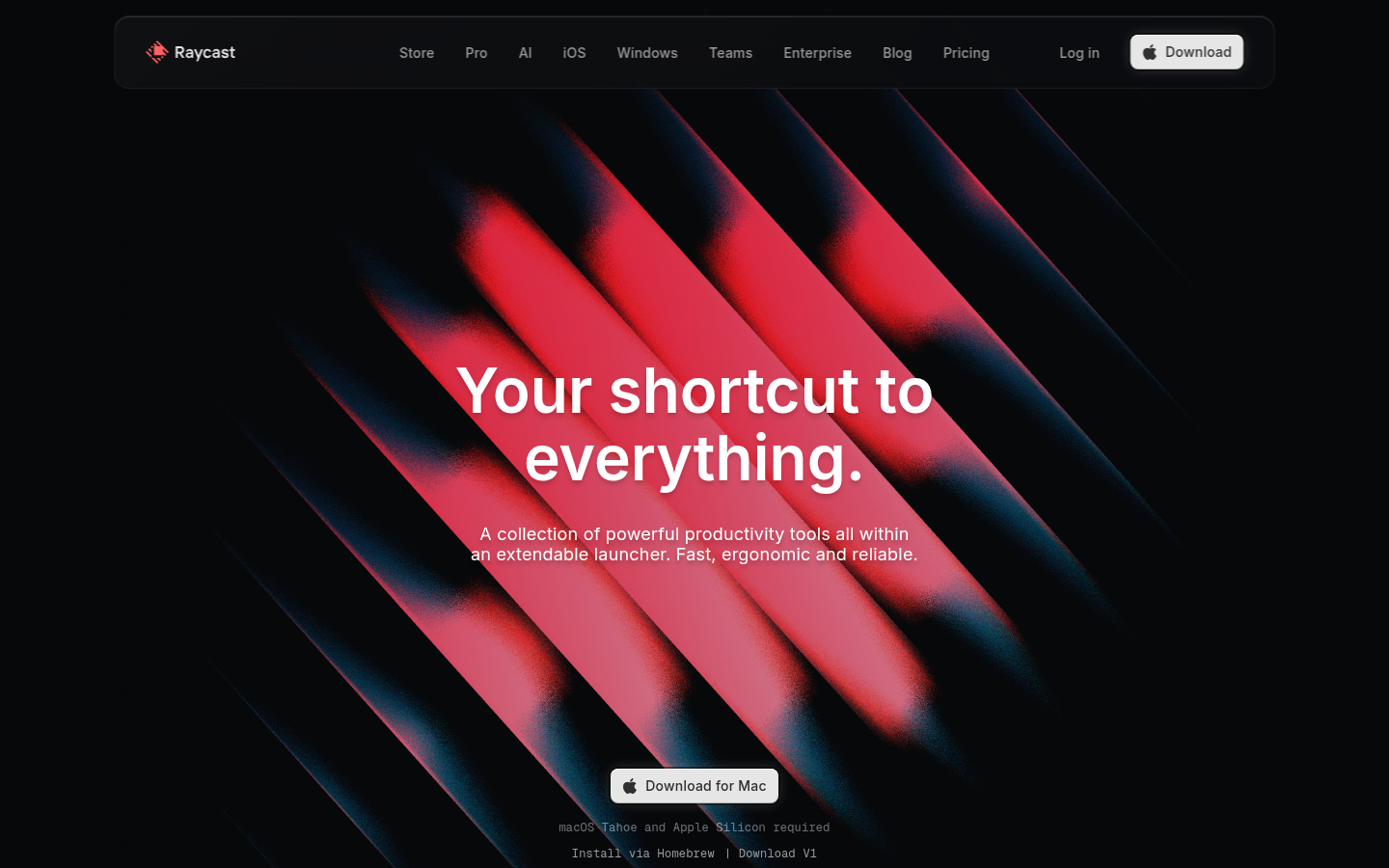
Raycast
- Free tier covers launcher, window management, snippets and a calculator
- Thousands of extensions in the store, and a G2 rating of 4.7 out of 5
- Built-in clipboard history, quicklinks and file search remove several single-purpose installs
- AI, cloud sync and unlimited clipboard history need Pro at $96 a year
- The current Mac build asks for macOS Tahoe and Apple Silicon
- It is a venture-backed subscription company, so pricing can move
The one install that replaces the most apps, as long as you can live without Pro.
Things 3
- $49.99 one-shot on Mac with no subscription
- Native on Mac, iPhone, iPad, Watch and Vision Pro with fast sync
- Honored with two Apple Design Awards and long-term updates for a decade
- No free tier beyond the trial, and each platform is a separate purchase
- Apple devices only, so it will not follow you to Windows or Android
- Team collaboration is not the goal, so shared projects are limited
The best task manager here if you only work on Apple hardware and hate renewals.
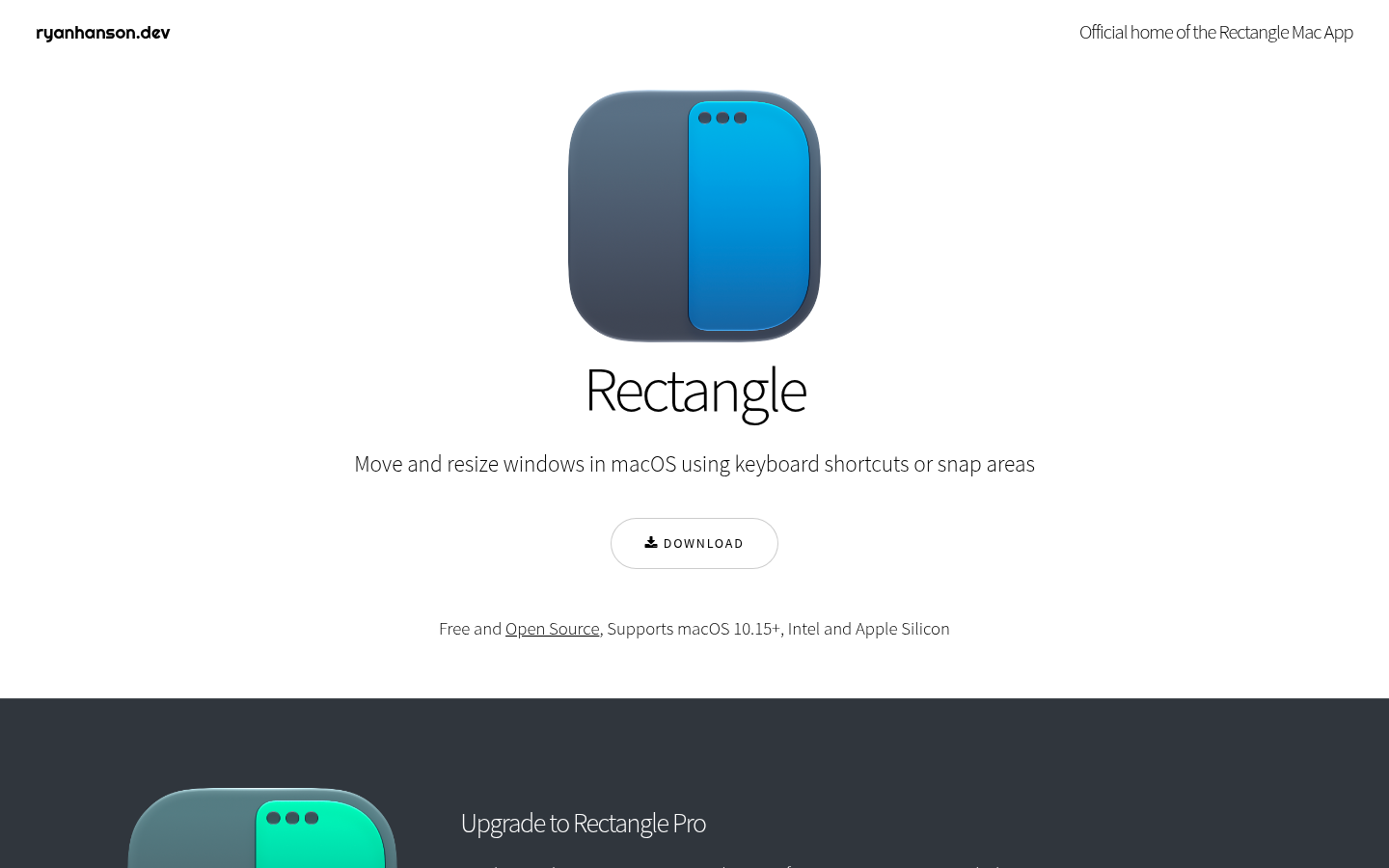
Rectangle
- Free and open source, installable with brew install --cask rectangle
- Keyboard shortcuts and drag-to-edge snap areas cover halves, thirds and quarters
- Exports and imports its config as JSON, so a new Mac takes one minute
- Cannot move windows to other Spaces, a limit Apple's APIs impose
- Apps with a minimum window size can overlap when you use thirds
- Does one job only, so it will not replace a launcher or a clipboard tool
Install it first. It is free, small and does what the name says.
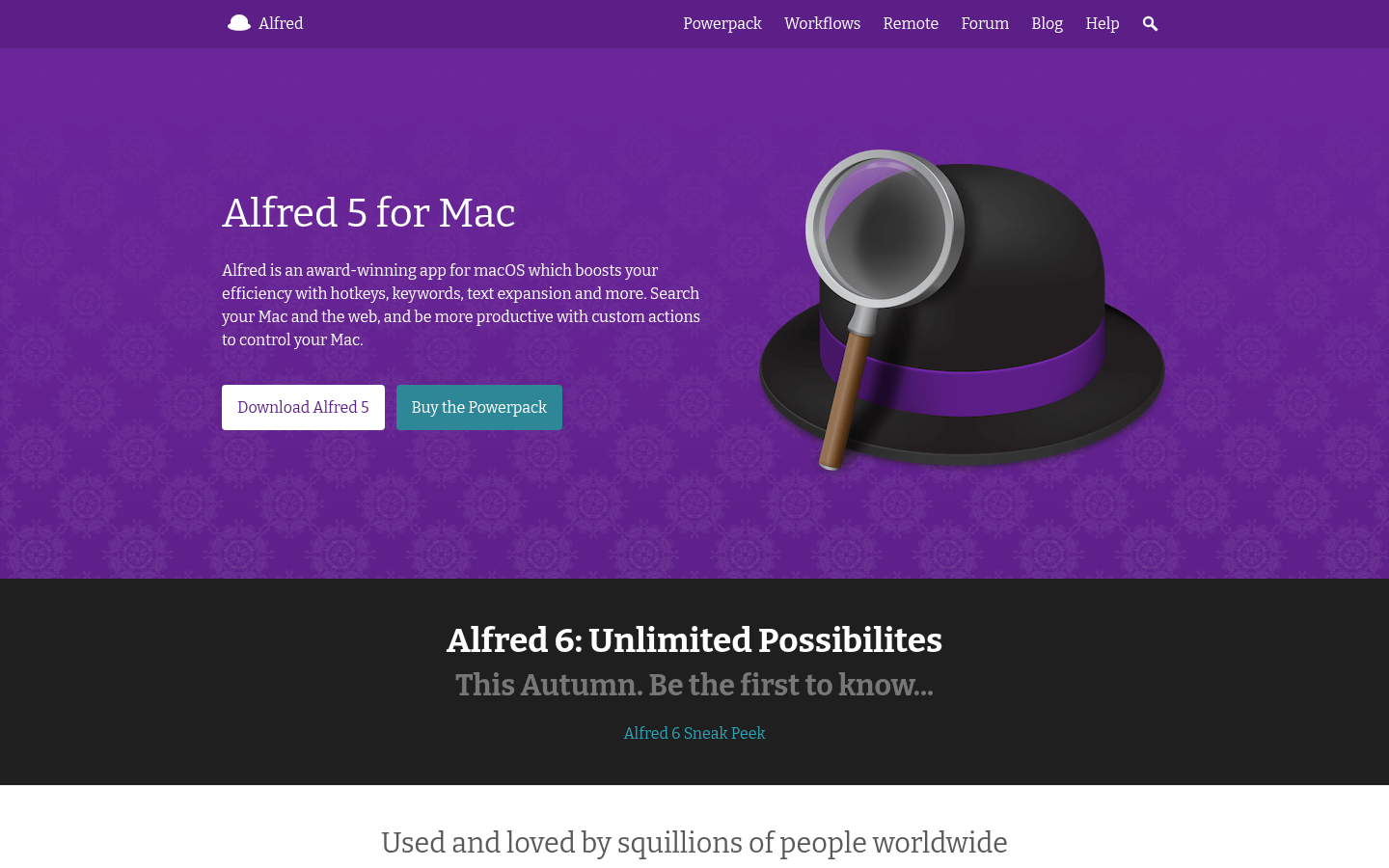
Alfred
- Powerpack workflows chain objects visually and run scripts without opening Terminal
- One-shot license with a lifetime tier, no subscription
- Mature community with hundreds of workflows in Alfred Gallery
- Clipboard history and snippets sit behind the paid Powerpack
- No built-in window management or AI features
- Alfred 6 is announced for this autumn, so timing a purchase matters
Still the pick if you want scriptable workflows and no recurring bill.
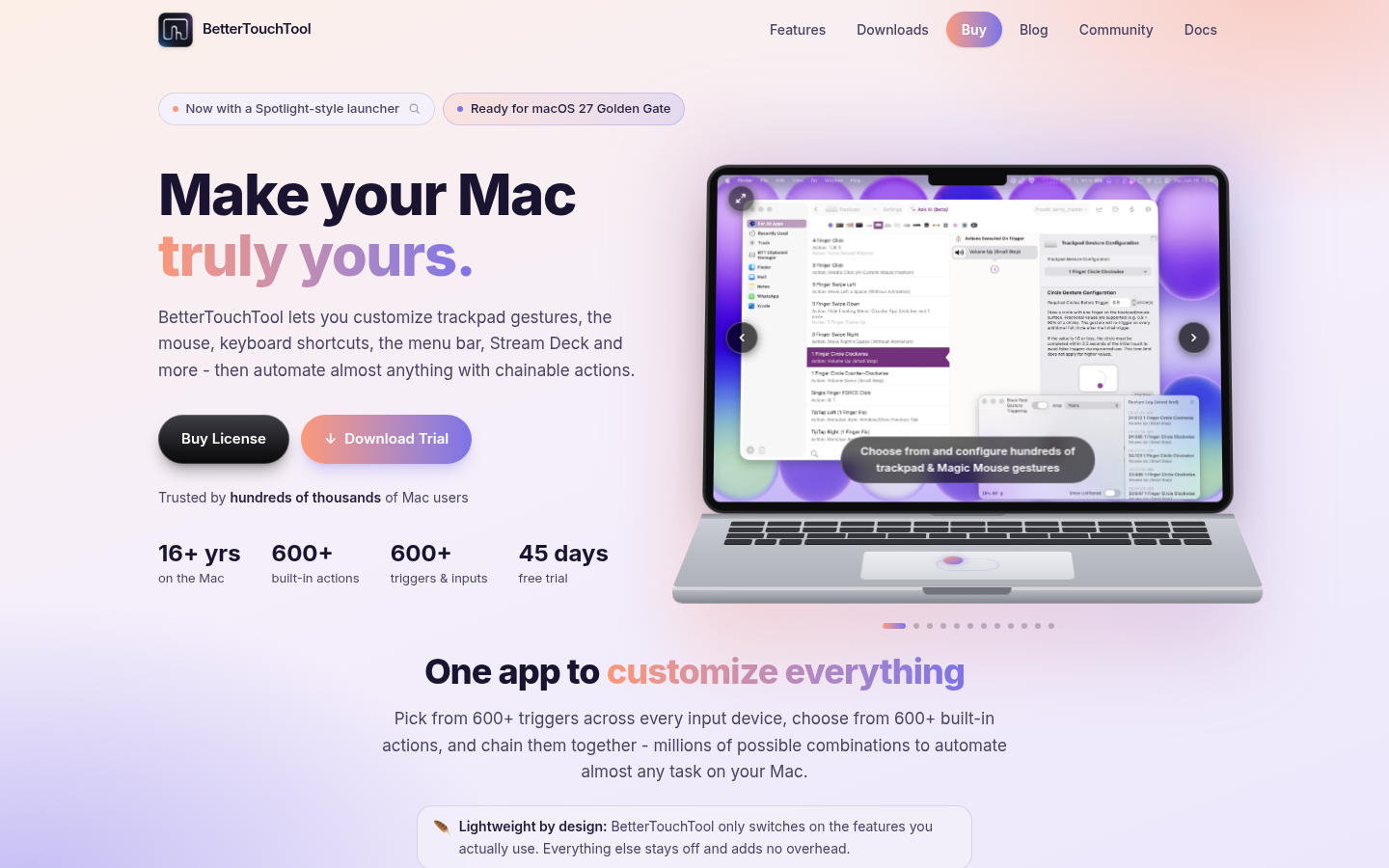
BetterTouchTool
- 600+ triggers and 600+ actions across trackpad, mouse, keyboard and Stream Deck
- $15 or $25 one-shot license with a 45-day trial
- Rated 98% across 3,316 Setapp ratings
- The interface is dense, and reviewers call it difficult before you read the docs
- One Setapp review in August 2026 reports trackpad gestures failing on macOS 15.7.9
- Overkill if you only want window snapping or a launcher
The tool for people who want to bind every gesture and button on their Mac.
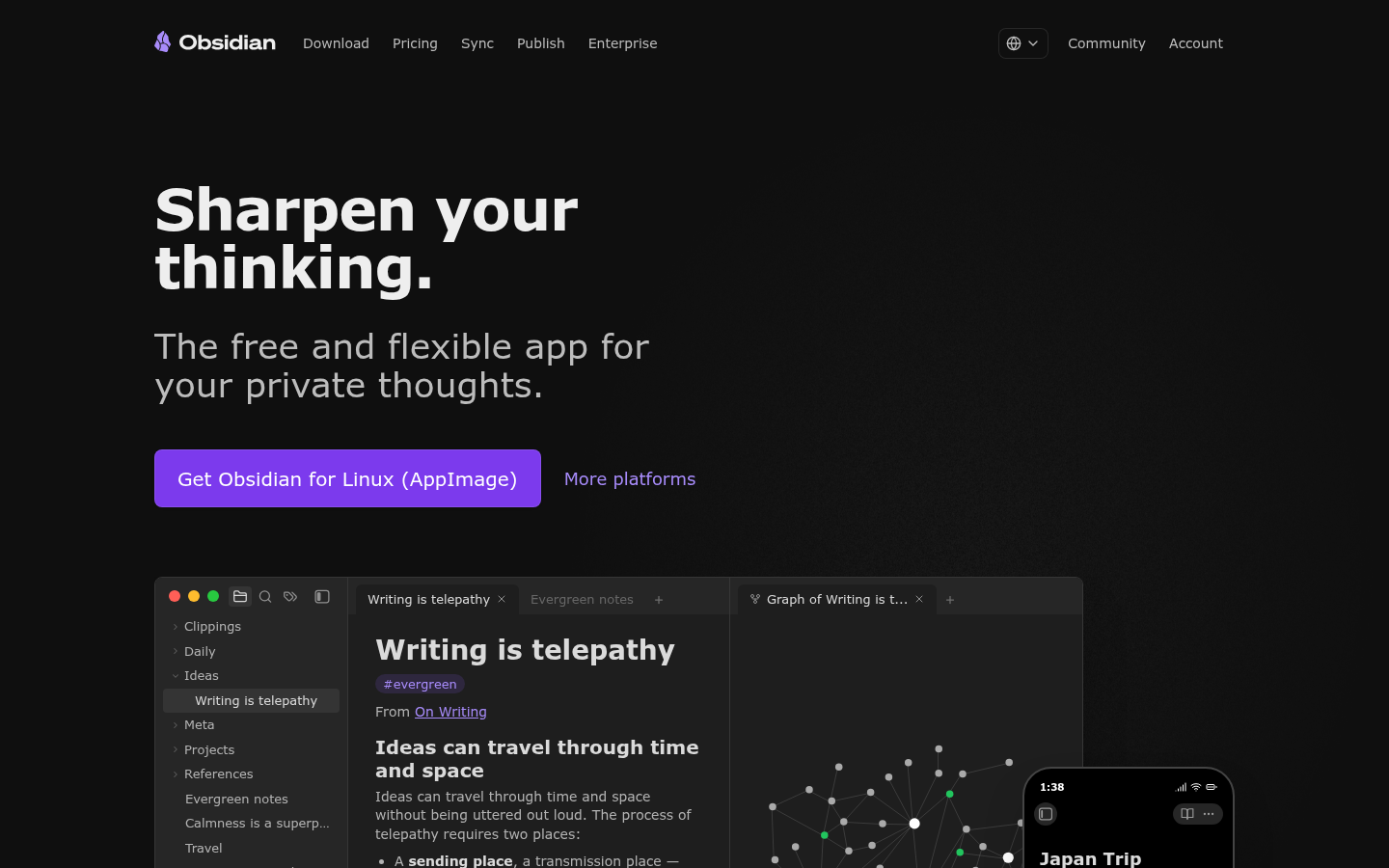
Obsidian
- The app is free for personal use and stores notes as plain Markdown on disk
- No telemetry, and Sync is end-to-end encrypted with AES-256
- Large plugin ecosystem and a Capterra rating of 4.5 across 27 reviews
- Sync costs $4 a month billed annually if you want it on several devices
- It is a notes app, not a task manager, so tasks need plugins
- Setup rewards tinkering, which some people will not enjoy
The right home for long-lived notes, less so for a daily to-do list.
Verdict
Raycast wins as the best single install for most Macs because the free tier already replaces Spotlight, a clipboard tool and a window manager. Things 3 is the best task manager if you want a one-shot purchase. Rectangle is the free pick for windows, Alfred suits workflow builders, BetterTouchTool owns gestures, and Obsidian is the notes home. Pair two or three of them, not all six.
How we tested
Pricing, licensing terms and platform requirements come from each vendor's own pricing or product page, read on October 10, 2026. Review data comes from third-party sources we cite by name: Raycast on G2 (4.7 out of 5), Alfred Powerpack on Capterra (4.7 from a very small sample), Obsidian on Capterra (4.5 across 27 reviews), BetterTouchTool on Setapp (98% across 3,316 ratings) and Rectangle by GitHub stars (30.1k). We found no aggregated review score for Things 3. The custom scores run from 0 to 5 and are editorial: they weigh price model, scope, platform reach and the limits users report. We did not run our own benchmarks for launch time or memory, so we publish none. Every product has a real screenshot of its own homepage.
Best mac productivity apps for 2026: Raycast is the one to install first, because its free tier replaces Spotlight, a clipboard manager and a window tool in a single launcher. Things 3 is the best task manager at $49.99 one-shot, Rectangle handles windows for free, Alfred rewards workflow builders, BetterTouchTool binds every gesture, and Obsidian keeps notes as local files. Pick two or three, not all six.
One launcher does more than six single-purpose installs
Most of the time you get back on a Mac comes from not reaching for the mouse. A launcher is where that starts. Raycast and Alfred both open with a hotkey and let you search apps, files and the web without leaving the keyboard. Raycast ships clipboard history, snippets, quicklinks, a calculator and window management in the free plan. Alfred keeps the core free and puts clipboard history, snippets and workflows behind a £34 Powerpack.
That difference decides the choice for most people. If you want everything working in ten minutes, Raycast gets there. If you want to build your own automation and pay once, Alfred does.
Raycast: the free tier is the product
Raycast Free costs $0 a month and has no time limit. It includes core features such as Clipboard History, Quicklinks, Snippets, a calculator, an emoji picker and window management, plus thousands of extensions from the store. Clipboard history in the free plan keeps three months. Pro costs $8 a month billed annually, which is $96 a year ($10 if you pay monthly), and adds AI, cloud sync, unlimited clipboard history, Notes without a cap and custom themes.
Two things to check before installing. The current Mac download lists macOS Tahoe and Apple Silicon as requirements. And Raycast is a venture-backed company with a subscription tier, so the price of Pro can change. Reviewers rate it well: G2 shows 4.7 out of 5, with 87% of reviews at five stars.
If you have no use for AI, you will never need to pay. That is the argument for ranking it first.
Things 3: pay once, plan for a decade
Things is a task manager, not a launcher, and it does that job better than anything else on this list. The Mac app costs $49.99 once. The iPhone app is $9.99, the iPad app $19.99 and Vision Pro $29.99, each bought separately. There is a free trial on the Mac, and no subscription.
Cultured Code has won two Apple Design Awards and has kept Things 3 updated for close to ten years. The trade-off is clear. Total cost across Mac, iPhone and iPad is $79.97, and the app does not exist outside Apple platforms. If your tasks live on Apple hardware, that is a fair price for software you will keep.
Rectangle: install it, forget it
Rectangle moves and resizes windows with keyboard shortcuts or by dragging a window to a screen edge. It is free and open source, with 30.1k stars on GitHub, and it installs with one line: brew install --cask rectangle. Current releases need macOS 14 or later.
It has two limits worth knowing. It cannot move windows between Spaces, because Apple publishes no public API for it, though Rectangle Pro adds that for $9.99. And apps with a minimum window size can overlap when you snap them into thirds. If you already use Raycast, its window management may be enough and Rectangle becomes optional.
Alfred: scripted workflows, no renewal
Alfred has been the default launcher on Macs for years. The Powerpack is a one-shot license: £34 for a single license, or £59 for the Mega Supporter tier with free lifetime upgrades. Buying a single license now includes a free upgrade to Alfred 6, which the site says arrives this autumn.
Where Alfred wins is the workflow editor. You connect objects like building blocks, trigger them by hotkey or keyword, and run scripts without opening Terminal. Where it loses is scope: no built-in window management and no AI. Its Capterra rating is 4.7, but from six ratings, so treat that as a weak signal.
BetterTouchTool: every gesture, every button
BetterTouchTool customizes trackpad and Magic Mouse gestures, mouse buttons, keyboard shortcuts, the menu bar and Stream Deck, with more than 600 triggers and more than 600 actions. A license costs $15 with two years of updates, or $25 for lifetime updates. The trial runs 45 days with no account.
The reviews are strong. Setapp shows 98% across 3,316 ratings. They also show the downside: one reviewer calls the interface clunky, another says it is difficult until you read the documentation, and one August 2026 review reports gestures failing on macOS 15.7.9. If you do not own an external mouse or a Stream Deck, you may not need it.
Obsidian: your notes stay on your disk
Obsidian is free for personal use and stores notes as Markdown files on your own drive. No sign-up. No telemetry. No data leaving the machine unless you turn on Sync. Sync costs $4 a month billed annually ($5 monthly) and is end-to-end encrypted. Publish is $8 a month billed annually. A commercial license is optional at $50 per user per year.
It is a notes app. If you want a to-do list with due dates and recurring tasks, Things does that without plugins. Capterra shows 4.5 across 27 reviews.
Which two should you pair
If you only install two, pick Raycast and Things 3 for a total of $49.99 and no subscription, or Rectangle and Alfred if you want to avoid every recurring plan. Add BetterTouchTool only when you hit a gesture or mouse-button problem that none of the others solve. Add Obsidian when your notes outlive your projects.
Prices and terms were read from vendor pages on October 10, 2026. Check them before you buy.