The Best AI Note Taking App in 2026: 6 Tools Compared
Summary
TL;DR: we compared six AI note taking apps on free-tier limits, paid pricing, capture method, and what each hands you after the call. TicNote is our pick for the best AI note taking app in 2026 because Shadow Agent turns meetings into finished slide decks and reports, not just a transcript. Fathom has the most generous free plan and a 5.0 average across 6,000+ G2 reviews. Granola and Fireflies round out the list for bot-free notes and sales-team analytics.
Six AI note taking apps compared on price, capture method, and what you actually get after the call: TicNote, Fathom, Granola, Fireflies, Otter, and Notion AI, ranked.
At-a-glance
| TicNote | Granola | Fathom | Fireflies AI | Otter.ai | Notion AI | |
|---|---|---|---|---|---|---|
| Free plan | 300 min/mo transcription, 120 languages | Unlimited notes, meeting history capped at 30 days | Unlimited recordings and history, no seat limit, no expiry | 800 min/mo storage, limited AI summary credits | 300 min/mo, 30-minute cap per meeting | Free to try, then billed per 1,000 AI credits |
| Starting paid price | ~$15/mo | $14/user/mo (Business) | $16-20/mo (Premium) | $10-18/mo (Pro) | $8.33-16.99/mo (Pro) | $10 per 1,000 AI credits, on a paid Notion plan |
| How it captures the meeting | Chrome extension, no bot invited, plus a wearable recorder for in-person talks | Records computer audio in the background, no bot ever joins the call | Bot joins by default, bot-free capture in beta on Mac | Bot joins Zoom, Meet, and Teams automatically | Live transcription and captioning inside the call as a bot participant | No live audio capture, drafts text already in Notion pages |
| Transcription languages | 120 languages | Not published, English-first | Not published, English-first | 60+ languages | Primarily English | N/A, not a transcription tool |
| Standout feature | Shadow Agent turns sources into files: slide decks, dashboards, reports | Your own shorthand merges with the transcript into a personal-voice summary | Ask Fathom searches your whole meeting history on paid plans, free tier never expires | Conversation intelligence: talk-time ratio, sentiment, topic tracking for sales teams | Synced word-highlighting playback and the most mature mobile apps in the category | Lives inside the wiki your team already navigates, no new tool to adopt |
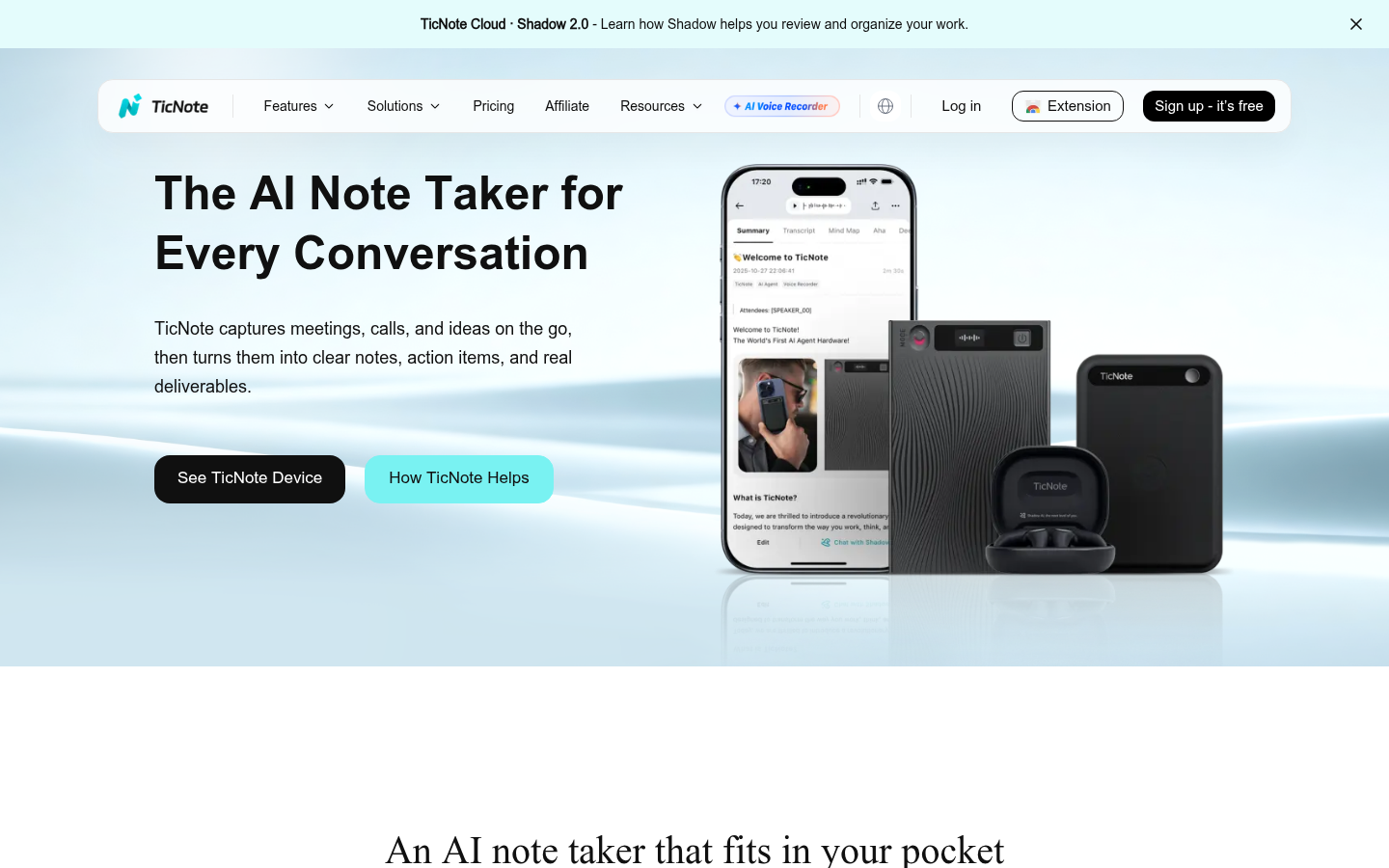
TicNote
- Shadow Agent generates real exportable files (slide decks, dashboards, reports) from your sources
- Chrome extension captures audio in 120 languages without a bot joining the call
- Magnetic wearable pod extends capture to in-person conversations, not just video calls
- Free tier caps at 300 transcription minutes a month, tight for daily back-to-back meetings
- Shadow Agent needs a project set up first, it is not available from the default recordings folder
Best pick when a meeting needs to end with a finished document, not just a transcript.
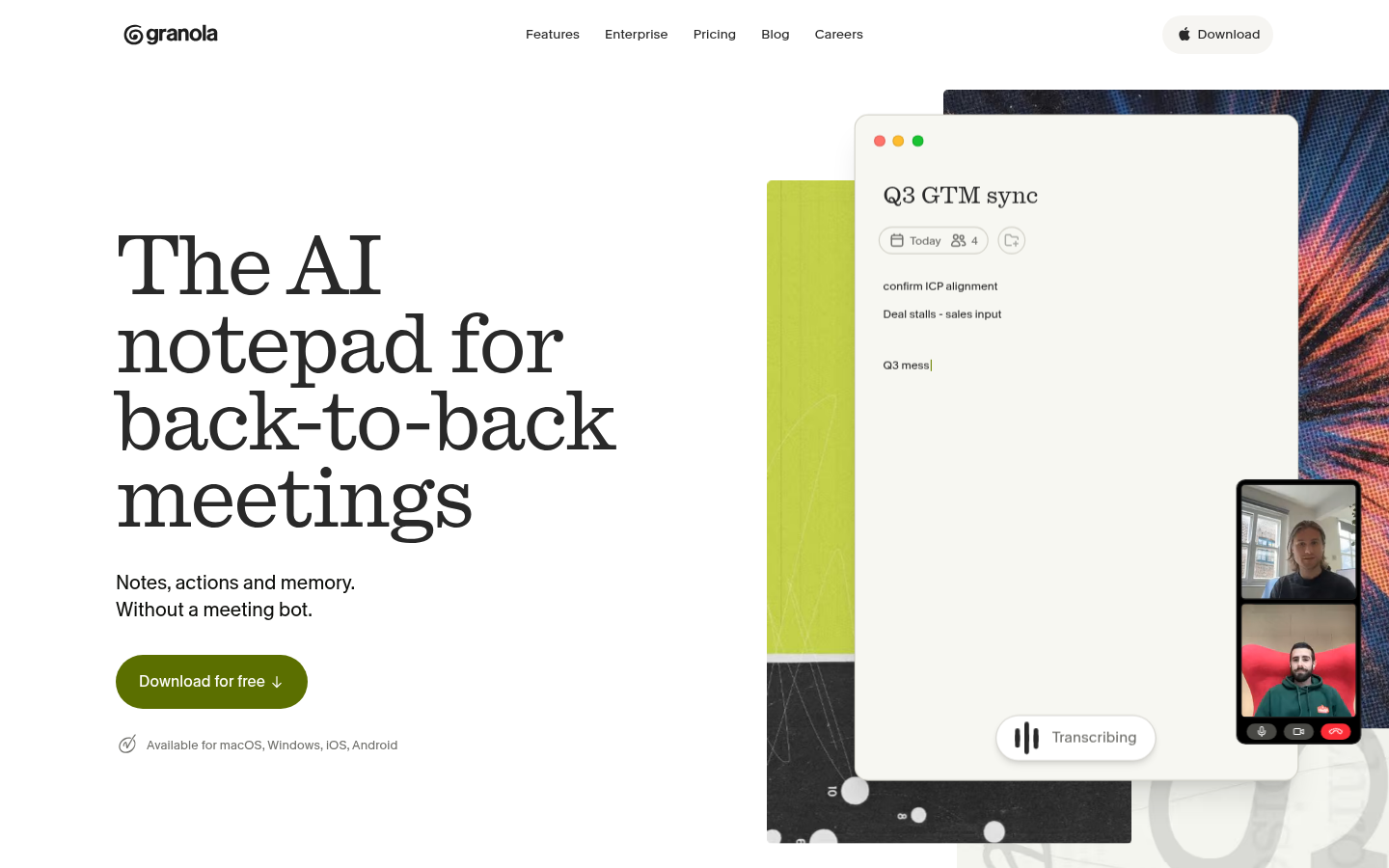
Granola
- No bot ever joins the call, which matters in sensitive or client-facing meetings
- Merges your own shorthand with the transcript, so summaries read like a human wrote them
- MCP connector pipes meeting context straight into Claude, Cursor, or ChatGPT
- Free plan caps meeting history at 30 days, older notes disappear from the free tier
- No call recording or video playback, unlike Otter or Fireflies
Best for people who already take rough notes and want them cleaned up automatically.
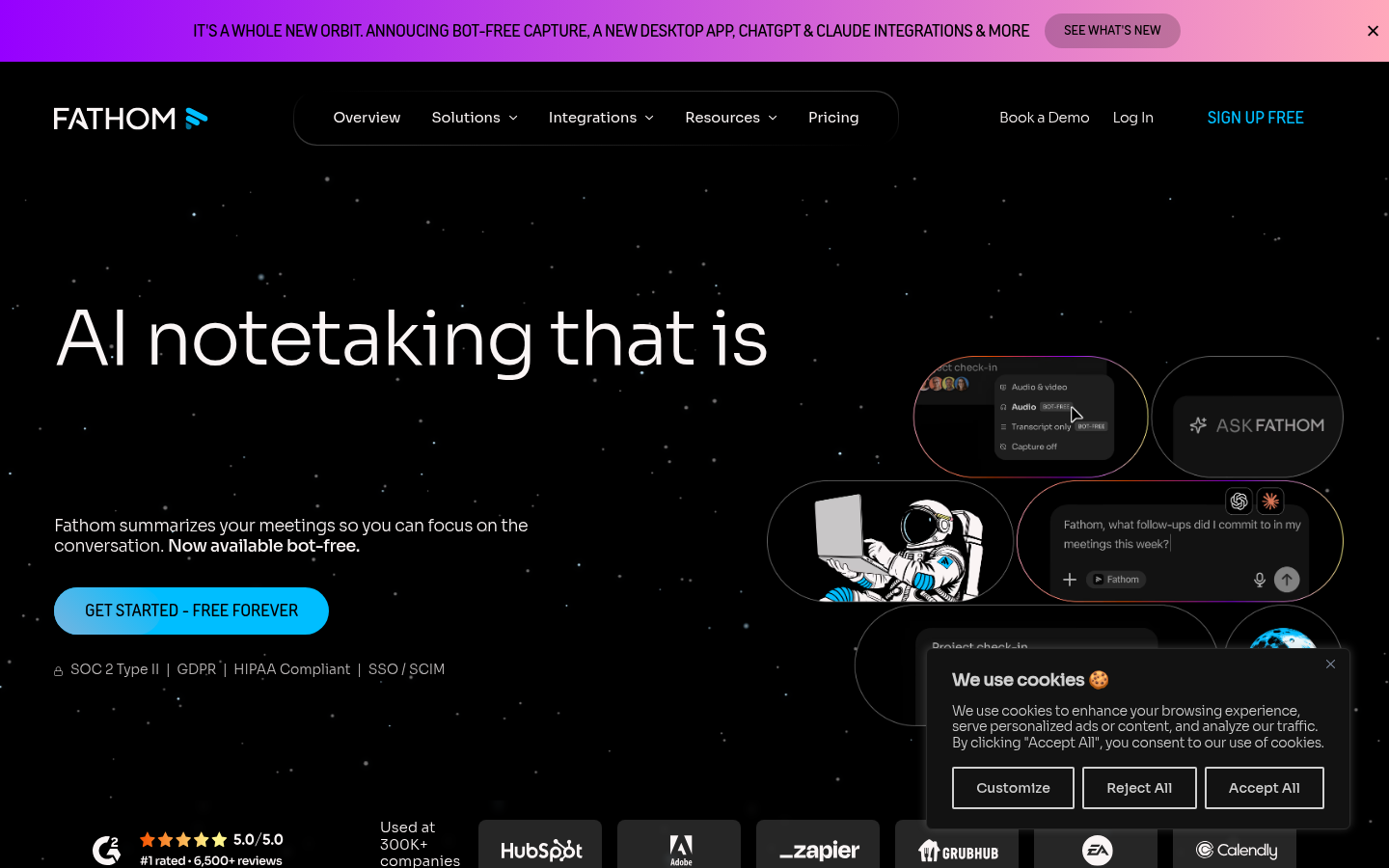
Fathom
- Free plan has no meeting cap, seat limit, or history expiry, rare in this category
- Bot-free capture option in beta avoids an awkward extra participant on the call
- Ask Fathom searches your entire meeting history in natural language on paid plans
- AI Scorecards and CRM field sync, the features sales teams want most, are Business-tier only
- No native mobile app for live in-person transcription outside of calendar meetings
Best free option if you just want an honest recorder without a trial clock.
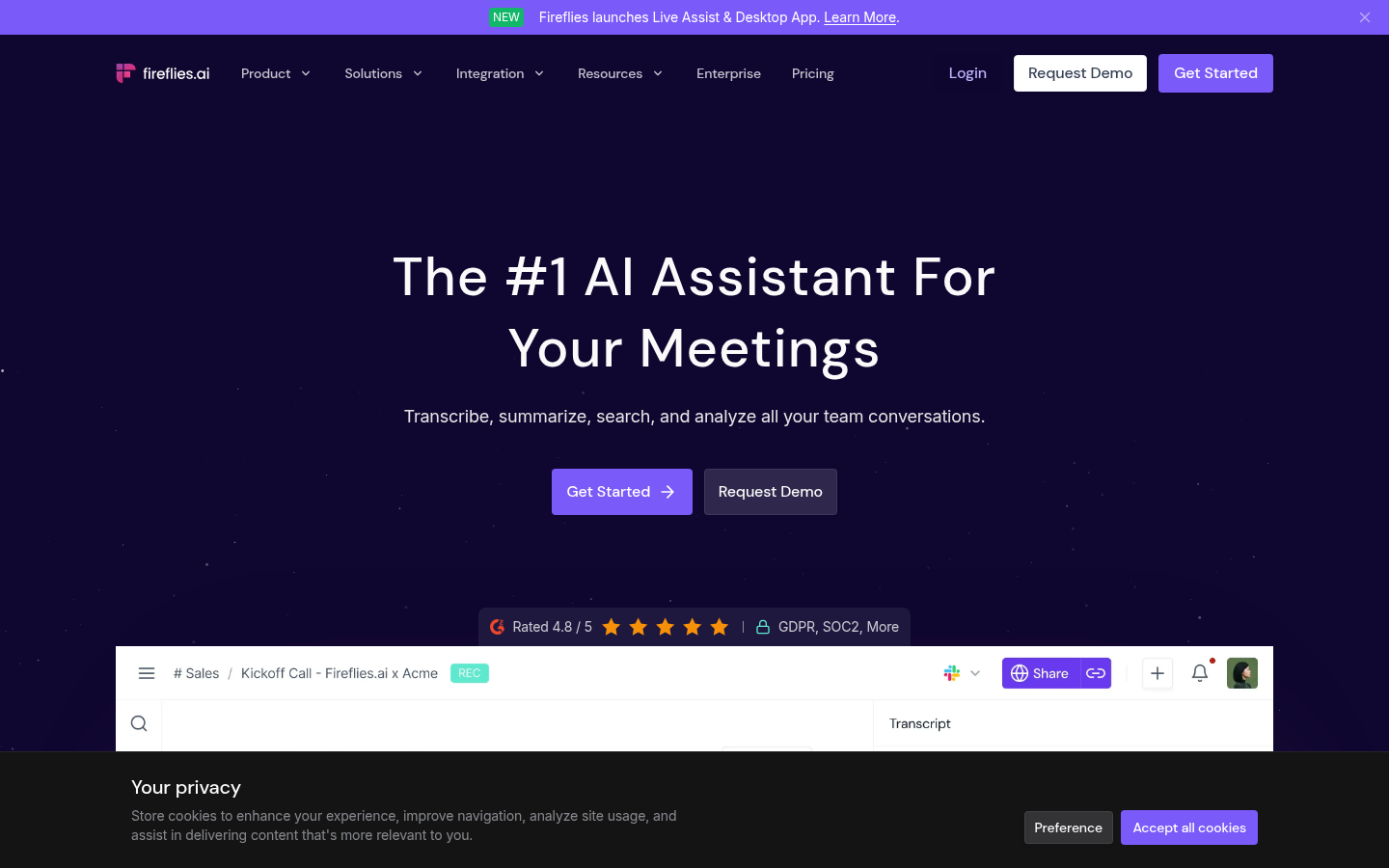
Fireflies AI
- Joins Zoom, Meet, and Teams automatically and transcribes in 60+ languages
- Conversation intelligence tracks talk-time ratio, sentiment, and topic trends over time
- Deep CRM integrations with Salesforce and HubSpot plus Zapier and Slack automations
- AI credits system on paid tiers limits how many AI summaries you can generate a month
- The bot joining automatically can feel intrusive in smaller or informal meetings
Best for revenue teams that live in a CRM and need call analytics at scale.
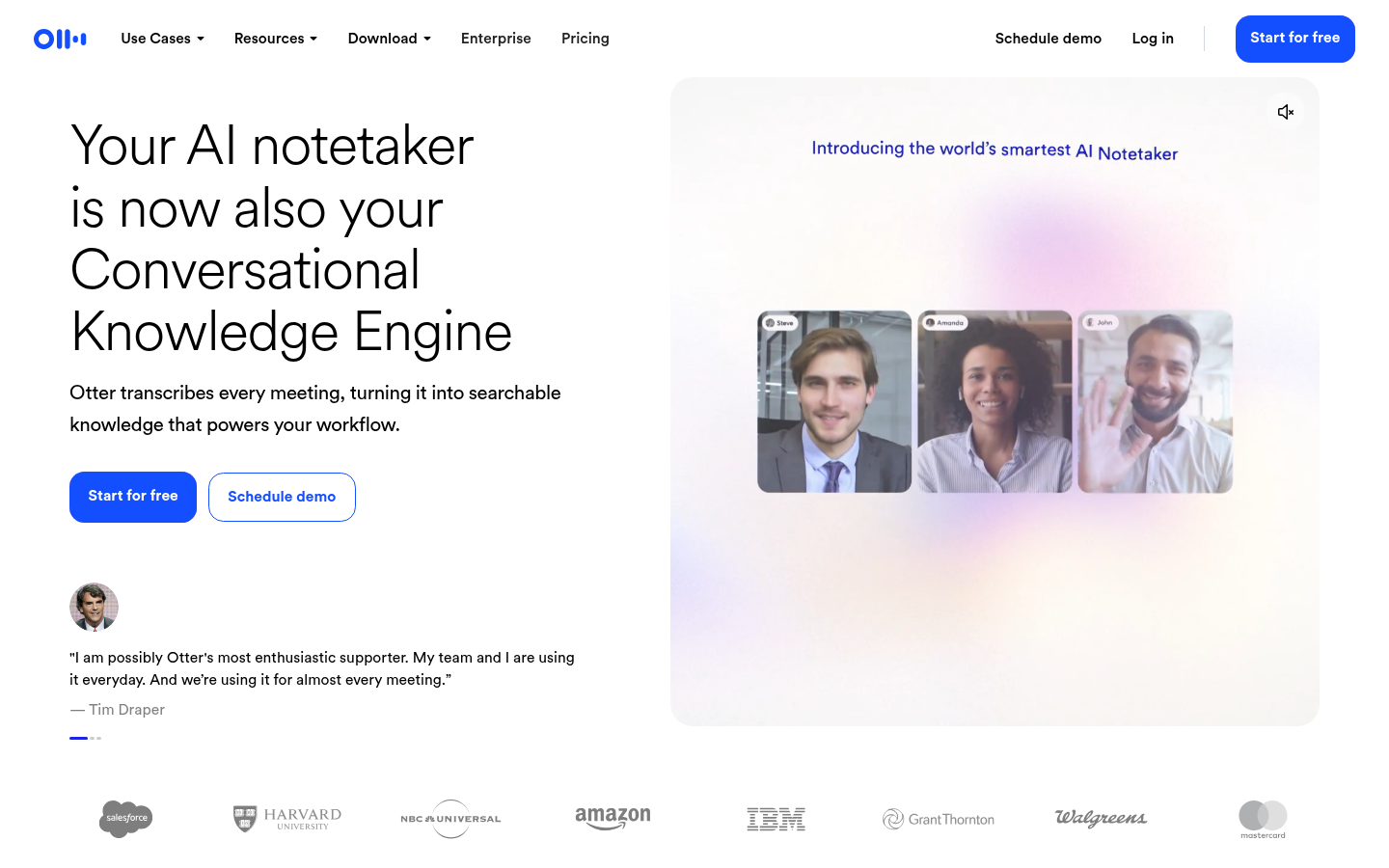
Otter.ai
- Live transcription and captioning inside Zoom, Meet, and Teams as the call happens
- Speaker identification with word-highlighting synced to the audio on playback
- The most mature mobile apps in the category, with widgets and Siri shortcuts
- Free tier caps every meeting at 30 minutes, which cuts off longer calls mid-conversation
- AI Chat query allowance stays capped even on the paid Business tier
Best if live captioning and a polished mobile app matter more than deliverables.
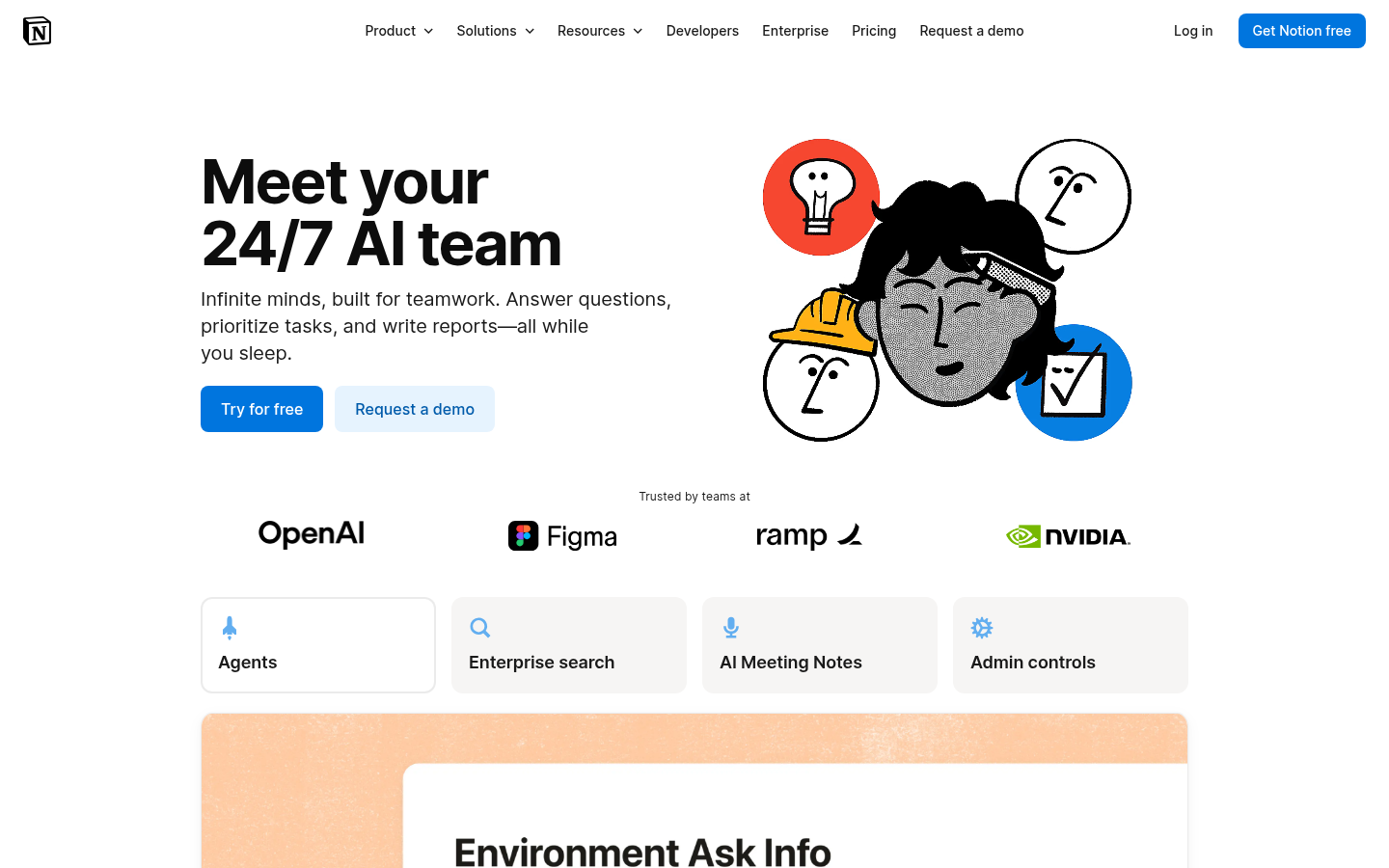
Notion AI
- Drafts, summarizes, and autofills Notion pages and databases directly, no export needed
- Works inside the same wiki structure a team already navigates for docs and wikis
- Bundled into Notion Business and Enterprise plans at no extra per-credit cost
- No live audio capture, it cannot record or transcribe a meeting on its own
- Credit-based pricing on lower plans makes heavy usage costs hard to predict
Best only if the team already runs on Notion and does not need call recording.
Verdict
TicNote wins this list for a specific reason: it is the only tool here that hands you a finished deliverable, not just a transcript. Fathom remains the best free, no-catch recorder if a summary is all you need. Granola wins on pure meeting notes if you cannot stand a bot in your call. There is no universal winner in this category, only the closest fit to how many meetings you run and what you need to walk away with.
How we tested
We compared six AI note taking apps using each vendor's own pricing and product documentation, current as of July 2026, plus aggregate customer ratings from G2 where a public review page exists: Fathom (5.0, 6,000+ reviews), Fireflies (4.7, 751 reviews), Notion (4.6, 12,150 reviews), Otter (4.4, 500 reviews), and Granola (early but strongly rated, small sample). TicNote does not yet have a G2 profile; our assessment draws on hands-on testing of Shadow Agent's file generation and its Chrome extension capture. We prioritized real limits over marketing copy: exact free-tier caps, starting paid price, and whether a bot joins the call.
Six meetings back to back and you still do not have a usable summary of any of them. That is the problem every tool on this list claims to solve. After comparing free-tier limits, capture methods, and what you actually get when the call ends, TicNote is our pick for the best AI note taking app in 2026: it is the only one here that turns a meeting into a finished deliverable, not another wall of bullet points. If you just want a free, no-catch recorder, Fathom is the safer default.
What "best" means for six meetings a day
Five things separated these apps: the price of the free plan, the cost of the cheapest paid tier, whether a bot joins your call or not, language coverage, and the one feature that makes each tool worth switching to. Here is what we measured: current pricing pages, product documentation, and G2's aggregate review counts, all checked in July 2026.
Bot in the call, or no bot at all
TicNote and Granola never send a bot into your Zoom, Meet, or Teams window. TicNote's Chrome extension captures audio directly from the tab; Granola records your computer's audio in the background while you type your own shorthand notes. Fathom offers a bot-free capture option, in beta on Mac. Fireflies and Otter both join as a visible participant, which is what their live captioning and conversation-intelligence features depend on, but meeting hosts notice the extra name in the call.
The free tier that is not actually free
Read the fine print before you commit to one of these. Otter caps every meeting at 30 minutes on its free plan, a hard stop mid-conversation. Fireflies gives you 800 minutes of storage a month with limited AI summary credits. TicNote's free tier covers 300 transcription minutes across 120 languages. Fathom is the outlier: unlimited recordings, no seat limit, no history expiry, on the free plan, which is most of the reason it holds a 5.0 average across more than 6,000 G2 reviews.
Six AI note taking apps, ranked
The order below is deliberate, not alphabetical. TicNote leads because Shadow Agent, its standout feature, produces actual files (editorial calendars, dashboards, slide decks) from a project's meetings and documents, not just a transcript. Granola and Fathom follow for people who want clean notes without a bot in the room. Fireflies sits closer to sales tooling than general note-taking, and Otter and Notion AI close out the list for narrower use cases.
If your team runs sales calls specifically, tl;dv's coaching layer, talk-time tracking and objection detection, undercuts Gong-tier pricing while doing a similar job. It did not make the main six because it is built for sales conversations first and general meeting notes second.
Where each one actually wins
Notion AI is not a meeting recorder. It drafts and summarizes text already living in Notion's pages and databases, which matters if your team's documentation already lives there and you do not want a second tool to check daily. Otter's mobile apps and word-highlighting synced to playback still beat everything else here for someone who reviews a transcript on a phone during a commute. Fireflies earns its 4.7 G2 average from sales teams that need talk-time ratios and CRM sync, not from people who just want a clean summary.
Our pick
Pick TicNote if a meeting should end with a document, not just a transcript. Pick Fathom if free and unlimited matters more than deliverables. Pick Granola if you already take rough notes by hand and want them cleaned up automatically. Everything else on this list is a good tool solving a narrower problem than the one you probably have.